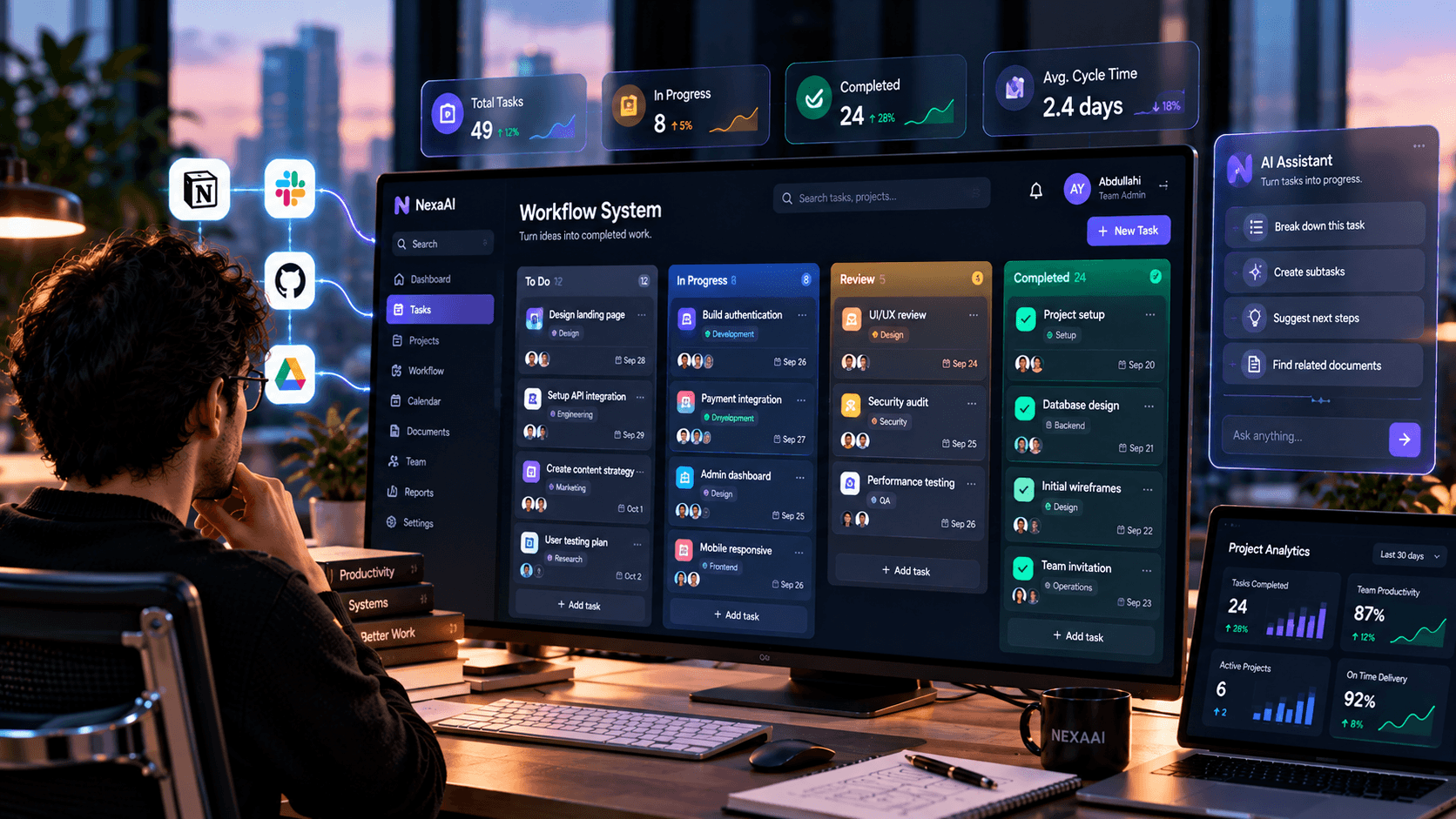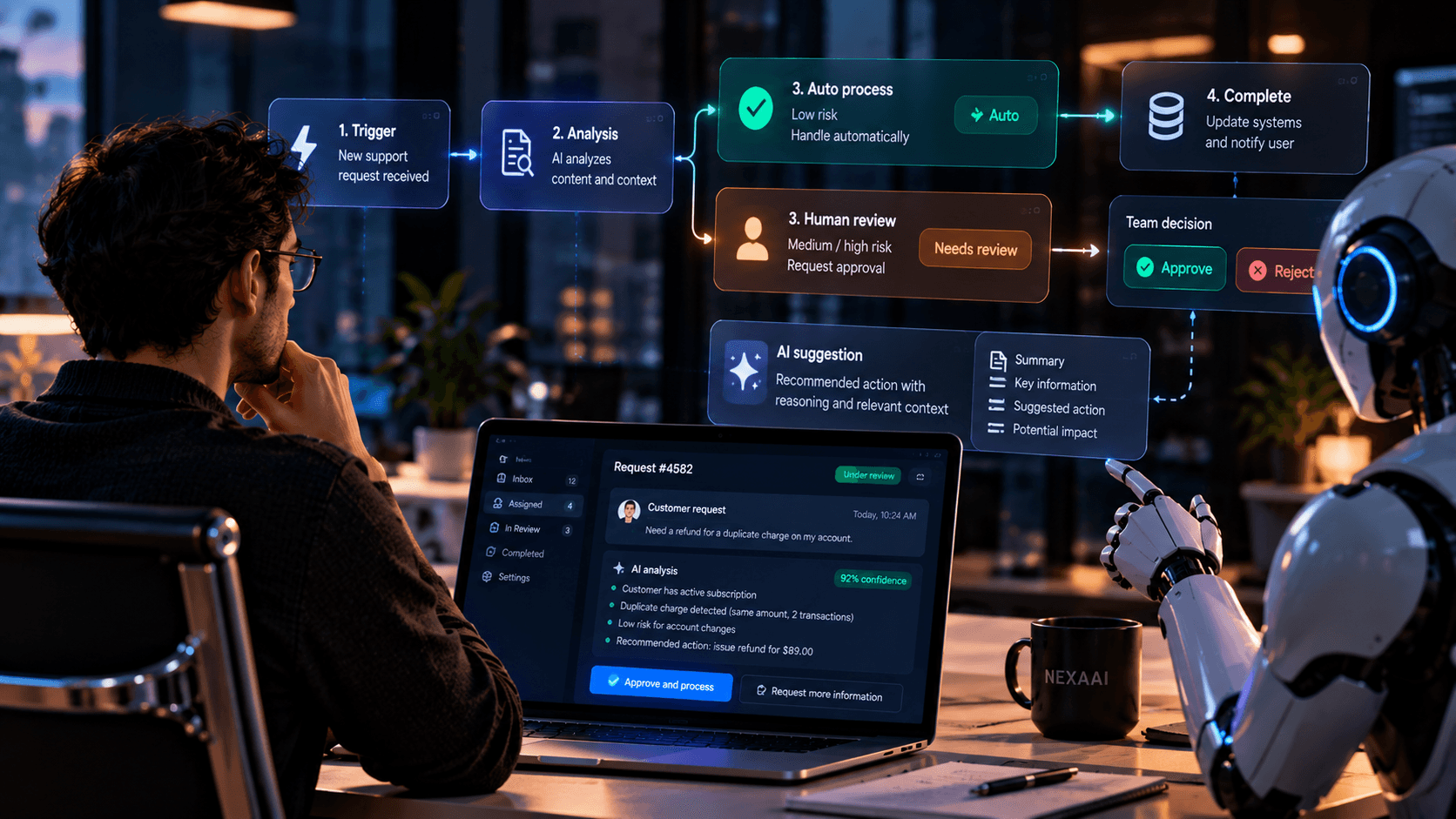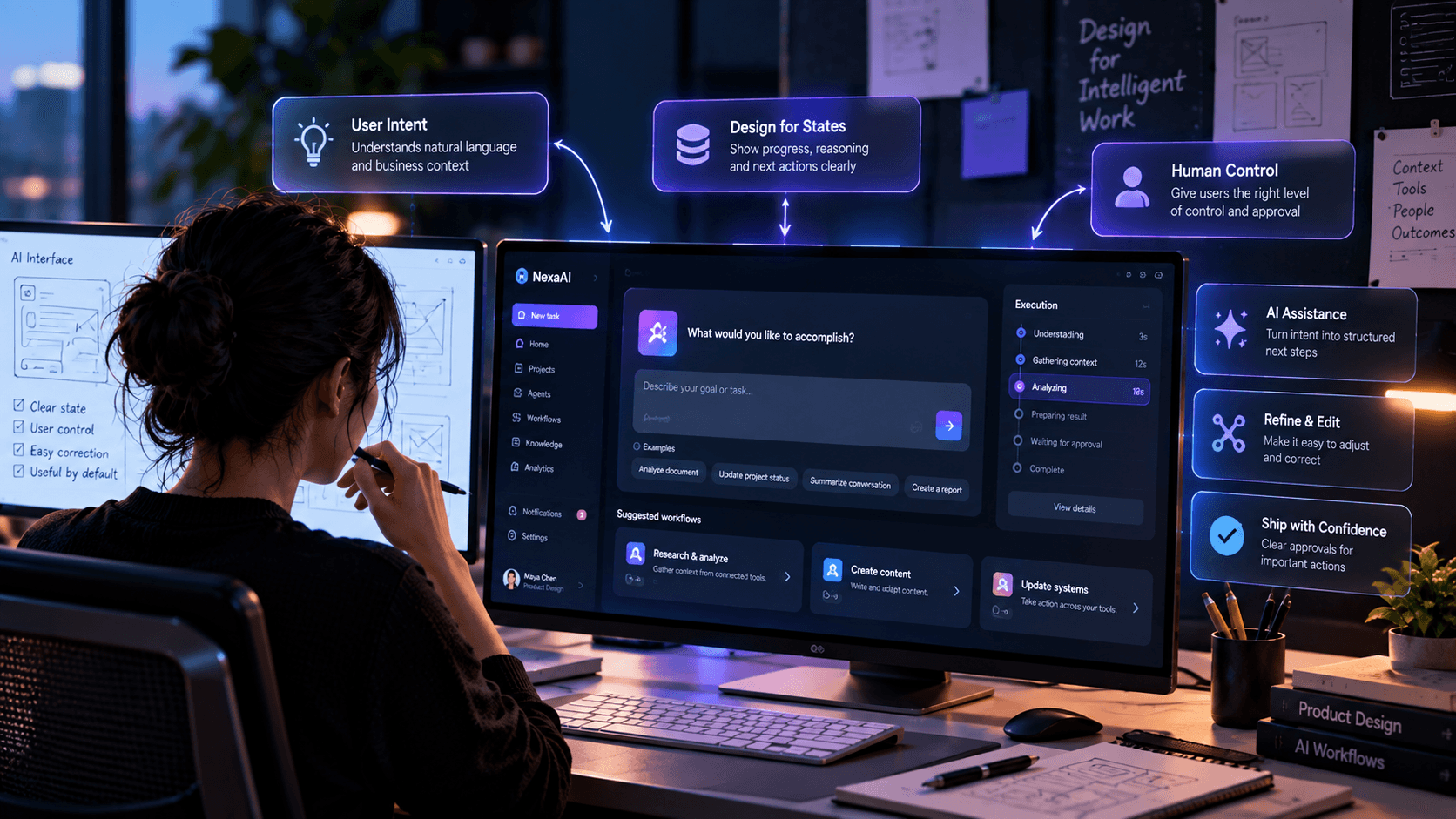
AI changes product interfaces because users are no longer interacting only with deterministic buttons, forms and commands.
Show state and uncertainty clearly.
Give users control over important AI actions.
Design for correction, not only successful output.
01 · Interface
AI introduces a different interaction model
Traditional interfaces usually map an action to a predictable result. AI can introduce interpretation, generation and uncertainty between the two.
That means users need additional signals about what the system understood and what will happen next.
02 · State
Design the states between request and result
Loading is not enough when a system may research, use tools, request approval or revise its approach.
Products should make meaningful execution states visible without overwhelming users with unnecessary implementation detail.
Understanding
Working
Waiting for input
Action completed
Needs attention
03 · Recovery
Make correction a first-class experience
AI systems will sometimes misunderstand context or produce an unsuitable next action. Recovery should therefore be easy and expected.
Users should be able to correct assumptions, change boundaries and retry without rebuilding the entire workflow.
“AI product design becomes stronger when uncertainty is treated as part of the interface rather than hidden behind it.”
NuvoraAI Editorial
In practice
Key takeaways
Expose meaningful AI state.
Design explicit approval moments.
Make correction and retry straightforward.
Written by
Sofia Alvarez
Design · NuvoraAI